

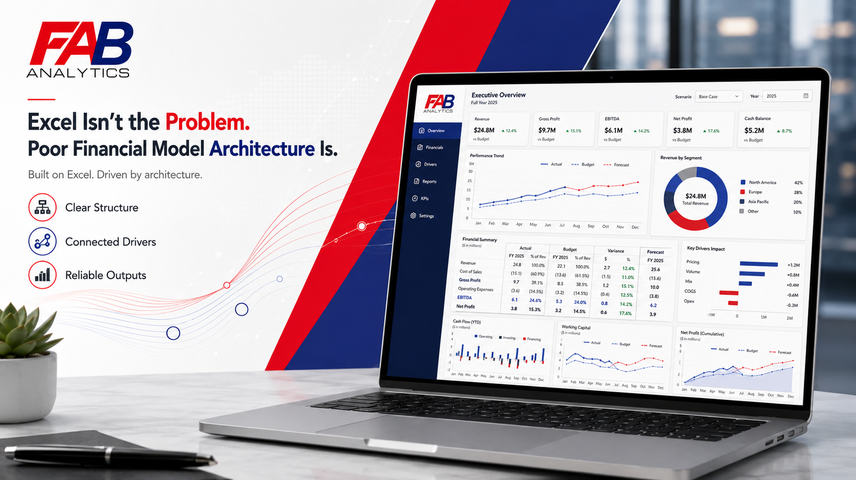
Excel gets blamed for problems it did not create
Excel is often treated as the villain in finance transformation. It is accused of being manual, fragile, inconsistent and risky. Some of that criticism is fair. Poorly controlled spreadsheets can create errors, version confusion and wasted effort. But blaming Excel alone misses the real issue.
The problem is not Excel. The problem is poor financial model architecture. A badly designed model will be unreliable whether it is built in Excel, an EPM platform, a BI tool or a custom system. A well-designed model can remain powerful, flexible and decision-useful – even in Excel.
Finance still runs on spreadsheets
Despite years of software adoption, spreadsheets remain central to FP&A. AFP’s 2025 FP&A Benchmarking Survey found that 96% of respondents use spreadsheets for planning and 93% use them for reporting on a daily or weekly basis. (AFP)
The FP&A Trends Survey 2024 also found that Excel remained the predominant planning application for 52% of organisations, ahead of cloud-based planning platforms. So, the serious question for CFOs is not: “How do we eliminate Excel tomorrow?” The better question is: “How do we make our Excel-based models structured, controlled, connected and fit for senior decision-making?”
Bad Excel is dangerous. Good Excel is powerful.
Bad Excel has poor structure, scattered formulas, inconsistent rows, hidden hardcodes, poor version control, weak checks and no clean separation between inputs, calculations and outputs.
Good Excel has discipline.
- It has robust structure – Input workspace, Calculations, Outputs, and Analysis.
- It has seamless processes to integrate and update forecast, actual, and budget data on a rolling basis.
- It has ability to create, store and compare multiple budgets and re-forecast scenarios.
- It contains strong checks and alerts to prevent errors.
- Its calculations are flexible and transparent to allow endless future changes.
- It has outputs designed for management, lenders, investors and boards.
That is the difference between a spreadsheet and a financial model.
FAB uses Excel as a business system, not as a dumping ground
The FAB approach does not defend messy spreadsheets. It advocates structured, flexible and transparent financial modelling.
A FAB model uses Excel as a controlled business environment in which forecasts, actuals and budgets are integrated into a single decision-making framework.
The trial balance is not pasted randomly into the model. It is imported, mapped and linked to the relevant management reporting lines.
Management information is not maintained separately from the financial model. Operational assumptions and performance indicators are connected directly to the drivers of financial performance.
Actual profit and loss results do not overwrite the forecast each period. Previous forecasts are retained as separate versions, allowing management to track performance against expectations and assess the quality and accuracy of its forecasting.
Each actual balance sheet line is linked to a supporting roll-forward schedule that explains the movements arising from the profit and loss account, cash flow statement and other balance sheet activity.
Cash flow forecasts are prepared using the direct method, providing clear visibility over expected cash inflows and outflows. These forecasts are then integrated with actual cash movements.
Relevant non-Excel data can also be brought into the model from systems such as CRM, accounting, payroll and operational platforms. For example, CRM pipeline data can be translated into probability-weighted revenue and cash collection forecasts.
Short-term forecasts can therefore be refreshed using the latest sales pipeline, order book, headcount, working capital and operational information, rather than relying only on historical accounting data.
Reporting is not rebuilt every month. It is generated consistently from the same integrated structure.
That is how Excel becomes a serious finance platform.
The architecture matters more than the software label
Many companies buy tools before fixing the underlying model logic. That creates expensive automation of bad structure.
- If revenue categories are unclear, a software tool will not solve the problem.
- If the chart of accounts is not mapped properly, automation will only accelerate confusion.
- If budgets, forecasts and actuals use different definitions, no BI tool can produce clean insight.
This is why FAB starts with architecture. The model must define the financial language of the business before technology can scale it.
Senior finance teams need flexibility and control
CFOs need both structure and flexibility. They need a model robust enough for board reporting, but flexible enough to answer new questions.
This is where Excel, when properly structured, remains extremely useful. It allows endless logical changes, transparent calculations and management-level review.
That does not mean Excel should do everything. It means Excel should be used where its strengths matter: modelling, scenario analysis, financial logic, board-level outputs and bridging business understanding with numbers.
FAB does not say, “Never use software.”
It says, “Do not use software to hide weak logic.”
Final thought
Excel is not the enemy. Unstructured Excel is the enemy. Poor architecture is the enemy.
A CFO should not ask whether Excel is old-fashioned. The CFO should ask whether the model is robust, flexible, transparent and useful after the original decision.
That is the FAB standard.
Excel is not the problem. A model without architecture is.
Written by:
Yatin Sehgal
Founder & CEO